
shopping_bag Cart Items (0)
₹0.00
remove_shopping_cart
Your procurement cart is empty
Browse Spares Catalog
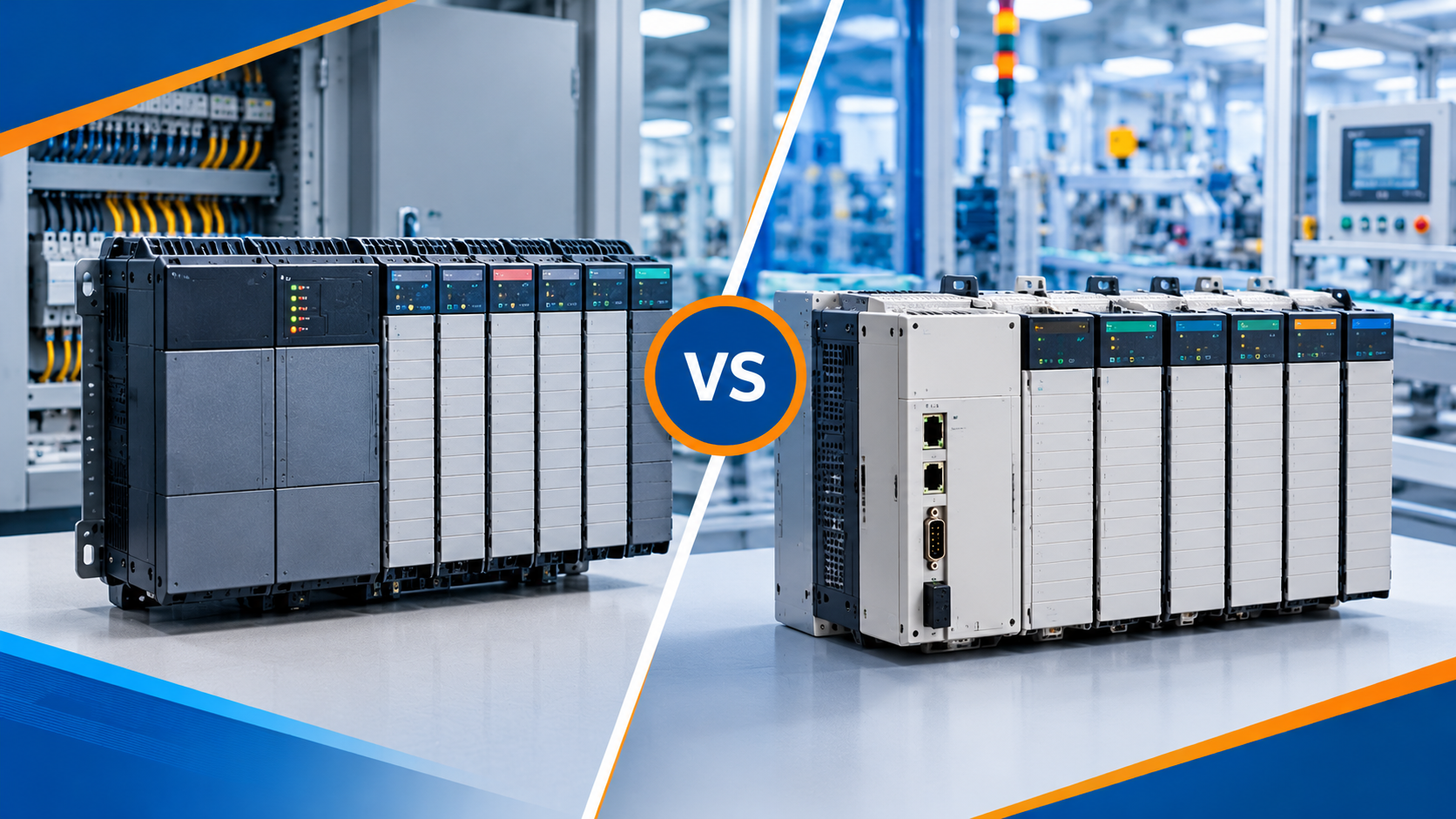
For decades, the Allen-Bradley PLC-5 and SLC 500 platforms powered manufacturing facilities around the globe. Designed by Rockwell Automation, both legacy systems earned legendary reputations for durability and long-term reliability. A Programmable Logic Controller, or PLC, is a rugged industrial computer. It reads input signals from sensors and switches, executes a program, and controls output devices like motors and valves.
Although both systems are now retired, millions of units remain active on factory floors today. In this complete Allen-Bradley PLC-5 vs SLC 500 comparison guide, you will learn how these two platforms differ in hardware architecture, I/O capacity, software programming, and networking. You will also discover practical maintenance tips and modern migration strategies to protect your plant from unexpected downtime.
To understand how these platforms compare, it helps to examine where each system fit in the industrial landscape.
The PLC-5 was Rockwell Automation’s premier large-scale control platform throughout the 1980s and 1990s. Think of the PLC-5 as a heavy-duty commercial cargo truck. It was built to handle massive processing loads, large factory networks, and thousands of field connections across entire industrial complexes.
The PLC-5 installs into a heavy 1771 chassis (rack). It uses a high-speed backplane—an internal circuit board that routes power and data between chassis slots.
The SLC 500 (Small Logic Controller) was introduced in the 1990s as a smaller, more cost-effective platform. Think of the SLC 500 as a versatile pickup truck. It delivers reliable power and control, but in a compact frame designed for small-to-medium machines.
The SLC 500 uses the 1746 chassis family, featuring a smaller physical footprint and lighter hardware components.

While both controllers use fixed data-table addressing structures and execute ladder logic, their hardware limits and network capabilities vary significantly.
| System Characteristic | Allen-Bradley PLC-5 | Allen-Bradley SLC 500 |
| System Target | Large plants & process lines | Small-to-medium standalone machines |
| Hardware Chassis Family | 1771 Chassis Racks | 1746 Chassis Racks |
| Maximum I/O Capacity | Up to 3,072 local / remote points | Up to 4,096 points (across 3 racks) |
| Native Primary Network | Data Highway Plus (DH+) & Remote I/O (RIO) | DH-485, DH+, RS-232, Ethernet (SLC 5/05) |
| Programming Software | 6200 Series, AB PLC-5, RSLogix 5 | RSLogix 500 |
| Octal vs Decimal Addressing | Octal numbering for I/O (I:010/02) |
Decimal numbering for I/O (I:1/2) |
| Current Hardware Status | Discontinued / End-of-Life | Discontinued / End-of-Life |
One major difference between the two systems is how they number physical I/O terminals.
PLC-5 uses Octal Addressing: Octal uses numbers 0 through 7. It skips numbers 8 and 9 entirely. An input address looks like I:012/07.
SLC 500 uses Decimal Addressing: Decimal uses standard numbering (0 through 15 per module). An input address looks like I:1/7.
Forgetting that the PLC-5 uses octal numbering is a common cause of errors when reading logic or wiring terminals.
Programming tools differ between the two controller families:
PLC-5 Controllers: Programmed using RSLogix 5 (or older MS-DOS tools like 6200 series).
SLC 500 Controllers: Programmed using RSLogix 500.
While the software user interfaces look similar, project files cannot be loaded interchangeably without software conversion utilities.
The PLC-5 relied heavily on Data Highway Plus (DH+) and Universal Remote I/O (RIO) coax and twinax cabling. The SLC 500 family evolved across several CPU models:
SLC 5/01 & 5/02: Used DH-485 serial networks.
SLC 5/03: Added RS-232 serial ports.
SLC 5/04: Added native DH+ support.
SLC 5/05: Added built-in 10/100 Mbps Ethernet ports.
Consider a manufacturing plant operating two different production lines installed in the late 1990s.
A central PLC-5/40 in a 1771 rack controls multiple remote I/O drops across a large chemical blending facility.
Challenge: A failed 1771-I/O module causes an unexpected line shutdown. Finding new replacement parts is difficult because the 1771 series is obsolete.
Solution: Engineers map the existing 1771 remote I/O racks to a modern ControlLogix 5580 controller using a 1756-RIO network module. This replaces the aging CPU while keeping field wiring intact until a full outage.
A standalone metal press machine uses an SLC 5/05 processor inside a 10-slot 1746 chassis.
Challenge: The plant wants to collect real-time cycle data on an industrial Ethernet HMI.
Solution: Because the SLC 5/05 has a native Ethernet port, engineers connect it directly to the plant network. They can program it using RSLogix 500 while planning a future migration to CompactLogix 5380.
Maintaining legacy controllers requires careful planning to prevent costly downtime.
Both platforms use internal lithium batteries to back up processor RAM. If power drops while the battery is dead, the controller loses its program completely. Always replace CPU batteries proactively and keep fresh project backups (.RSP for PLC-5, .RSS for SLC 500) saved on engineering laptops.
Upgrading old hardware does not mean you must rewire every field sensor. Rockwell Automation provides conversion wiring kits:
1771 to 1756 Wiring Arms: Migrates PLC-5 I/O to ControlLogix without unwiring individual screws.
1746 to 5069 Wiring Arms: Migrates SLC 500 I/O to CompactLogix 5000 modules quickly.
Understanding the key differences in this Allen-Bradley PLC-5 vs SLC 500 comparison helps control engineers maintain legacy machinery safely. While the heavy-duty PLC-5 handled large plant networks, the compact SLC 500 excelled on standalone machinery. Because both platforms are retired, combining proactive battery maintenance with phased migration planning ensures your facility runs smoothly into the future.
Do you have questions about cross-referencing legacy parts or upgrading your PLC-5 or SLC 500 rack? Leave a comment below or contact our technical team at plchub.in today!
No. PLC-5 uses 1771 chassis modules, while the SLC 500 uses 1746 chassis modules. They have different physical dimensions, backplane connections, and power requirements.
No. RSLogix 500 only opens SLC 500 and MicroLogix files (.RSS). To open a PLC-5 project file (.RSP), you must use RSLogix 5 software or convert the file using Rockwell migration tools.
The direct modern replacement for a PLC-5 is the ControlLogix 5580 family. It provides rack-based performance, high speed, and vast networking capabilities.
The direct modern replacement for an SLC 500 system is the CompactLogix 5380 family. It offers compact DIN-rail mounting, built-in Ethernet, and high-speed motion control.
Keep the site working: signing in, your cart and checkout, security checks and remembering these privacy choices. These cannot be switched off.
Remember products you viewed and searches you made so we can show "recently viewed" items and relevant suggestions, linked to your account when you sign in.
Help us understand how visitors use the site (pages visited, time spent, country) so we can improve it. Without this we only count anonymous daily totals.
Allow advertising, chat and notification partners to set cookies so we can measure campaigns, show relevant offers and offer live chat and push notifications.