
shopping_bag Cart Items (0)
₹0.00
remove_shopping_cart
Your procurement cart is empty
Browse Spares Catalog
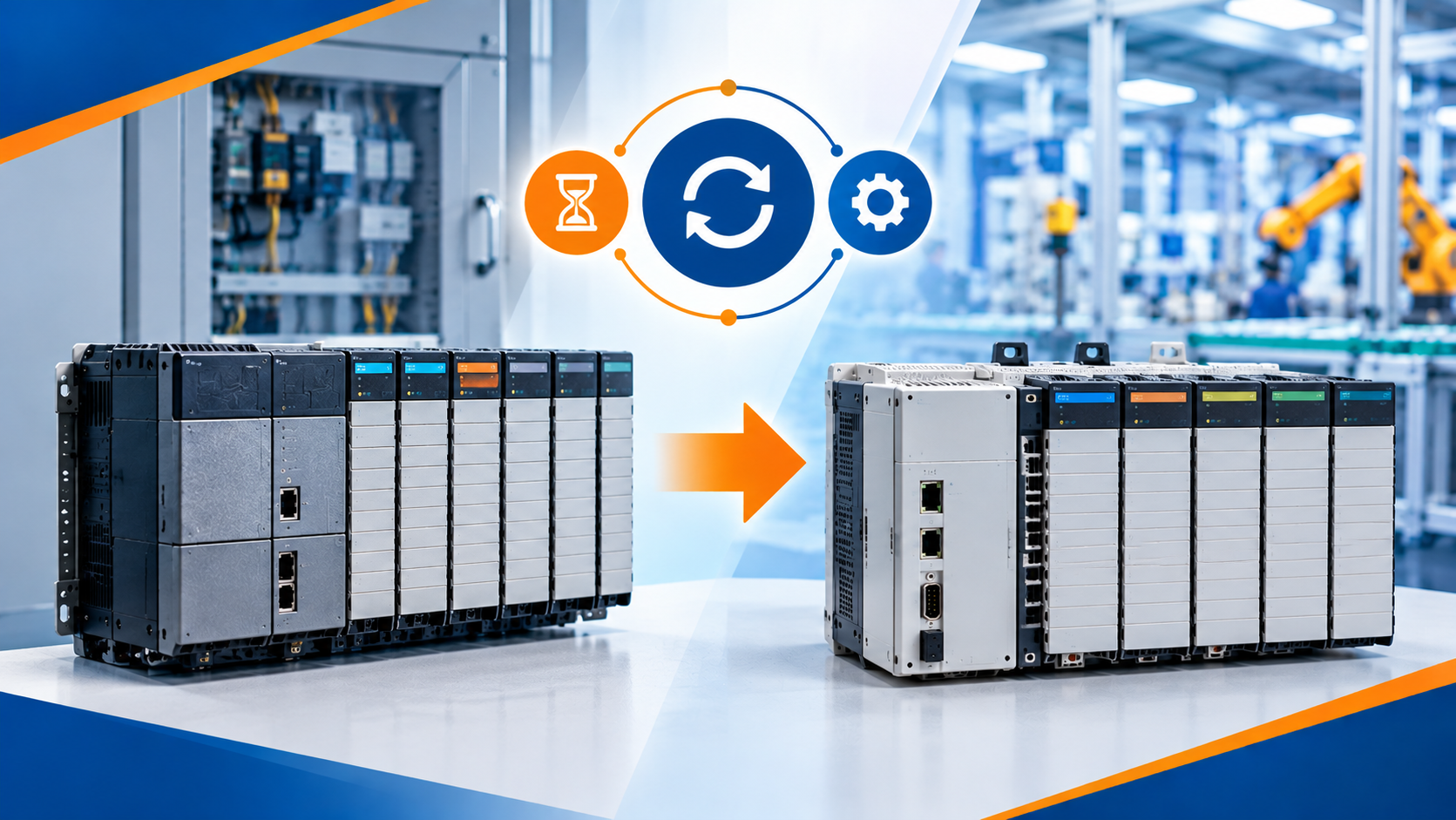
Industrial control equipment does not last forever. While Rockwell Automation hardware is famous for lasting decades, every Programmable Logic Controller (PLC) eventually reaches the end of its official manufacturing life. A PLC is a rugged industrial computer that reads input signals, executes program logic, and controls output machinery like motors and valves.
When key controllers become obsolete, finding replacement parts gets harder, repair costs skyrocket, and the risk of prolonged factory downtime increases. In this practical Allen-Bradley PLC Obsolescence Guide, you will learn how Rockwell classifies product lifecycles, which legacy controllers are fully retired, how to evaluate system risks, and how to plan cost-effective modernization paths.
Rockwell Automation categorizes all hardware components into four distinct lifecycle status stages. Understanding these stages helps plant engineers anticipate hardware availability issues before a failure occurs.
Hardware in the Active status is currently manufactured and fully supported. These products represent the newest technology, receive regular firmware updates, and offer standard pricing and stock availability.
Products marked as Active Disruptive are still actively manufactured, but a newer technology family exists that offers superior performance or lower cost. It serves as an early signal to stop specifying the item for new designs.
When a product enters End of Life status, Rockwell announces an official discontinuance date (usually 1 to 2 years in advance). Manufacturing declines, lead times increase, and unit prices often rise as factory stock winds down.
Discontinued hardware is no longer manufactured by Rockwell Automation. Official repair services, firmware updates, and direct technical support are limited or unavailable. Spare parts must be sourced through surplus channels or authorized remanufacturing programs.

Over the past few decades, several iconic Allen-Bradley controller lines have transitioned to Discontinued status.
| Legacy Controller Family | Primary Chassis Series | Status / Lifecycle Phase | Recommended Modern Migration Path |
| PLC-2 / PLC-3 | 1771 Legacy Racks | Discontinued | ControlLogix 5580 System |
| PLC-5 Family | 1771 Chassis | Discontinued | ControlLogix 5580 System |
| SLC 500 Family | 1746 Chassis | Discontinued / End of Life | CompactLogix 5380 System |
| MicroLogix (1000/1100/1200/1500) | Compact Fixed / Modular | Discontinued / End of Life | Micro800 Series or CompactLogix |
| CompactLogix 1769-L3x (L32E, L35E) | 1769 Compact Racks | Discontinued | CompactLogix 5380 (5069 Series) |
Continuing to run production lines on discontinued PLCs carries operational risks that go far beyond standard maintenance costs.
Extended Downtime: If a discontinued CPU fails without a spare on the shelf, finding a pre-owned replacement online can take days or weeks.
Higher Spare Part Costs: Secondary market prices for rare legacy modules often exceed the cost of brand-new modern controllers.
Loss of Program Backups: Legacy processors rely on lithium batteries to retain RAM memory. When battery voltage fails during a power outage, unbacked programs are erased completely.
Cybersecurity Vulnerabilities: Older network interfaces (like DH-485 or legacy Ethernet cards) lack basic modern security protocols, leaving plant networks vulnerable to external threats.
Scarce Engineering Skills: Younger technicians are trained on modern Studio 5000 software rather than legacy tools like RSLogix 5 or RSLogix 500.
Upgrading a facility does not require replacing every cabinet overnight. A structured, phased approach minimizes both capital expenditure and production disruption.
Walk the plant floor and log every controller, chassis, and expansion card. Record the exact catalog numbers, series letters, firmware versions, and current lifecycle status using Rockwell's online Lifecycle Status Tool.
Group machine cabinets into risk tiers:
High Risk: Discontinued processors running critical bottlenecks without local spare parts.
Medium Risk: Discontinued cards with local backup stock on hand.
Low Risk: Active controllers operating non-critical support equipment.
Keep physical field wiring intact whenever possible by using conversion mounting plates and wiring harness adapters. Wiring conversion arms (such as 1746 to 5069 harness kits) plug existing terminal blocks straight into modern I/O cards without rewiring individual field contacts.
Use Rockwell software conversion utilities to translate legacy RSLogix 500 ladder programs into Studio 5000 Logix Designer project files. Review converted logic to update timer structures and array tags.
Consider an automotive supplier operating an automated stamping line powered by an aging SLC 5/05 processor in a 10-slot 1746 chassis.
Audit Finding: The SLC 5/05 is obsolete, and finding reliable 1746-OW16 output modules is becoming difficult.
Strategy: Instead of rewiring 120 field terminals during a short weekend shut, engineers install a CompactLogix 5380 CPU in a new panel section.
Execution: They use a 1746-to-5069 wiring conversion kit to connect existing field wiring blocks directly to new Compact 5000 I/O cards.
Result: Code conversion and hardware migration complete in under 12 hours, eliminating obsolescence risk without extending planned maintenance downtime.
Delaying Action Until Hardware Failure: Planning a migration during an emergency line stop always costs more in lost production than a planned upgrade.
Ignoring HMI Compatibility: Older Operator Interfaces (like PanelView Standard terminals) often cannot talk directly to new Logix processors over modern Ethernet protocols. Always audit your HMI screens when upgrading the CPU.
Throwing Away Retired Modules: Functional legacy cards retain significant value. Keep them as emergency backup spares for secondary plants or sell surplus units to offset upgrade costs.
Managing legacy control systems proactive is essential for maintaining production efficiency. As highlighted in this Allen-Bradley PLC Obsolescence Guide, auditing plant hardware, understanding lifecycle stages, and deploying wiring adapter tools allows control engineers to transition smoothly from legacy SLC 500 or PLC-5 racks to modern CompactLogix and ControlLogix controllers. Modernization protects your facility against unplanned shutdowns and unlocks higher network speeds for future growth.
Do you need help evaluating your facility's PLC lifecycle status or planning a CompactLogix migration? Leave a comment below or contact our technical team at plchub.in today!
"End of Life" (EOL) or Silver Series indicates that Rockwell Automation has announced an official discontinuance date for the product. The item is still available for purchase for a limited period, but users are encouraged to plan migration to active platforms.
You can search your module's catalog number on the official Rockwell Automation Lifecycle Status web portal or cross-reference part numbers inside RSLinx Classic software.
Yes, but the code must be converted. Modern Logix controllers use tag-based addressing instead of fixed data file registers (like N7 or B3). Rockwell provides automated code conversion utilities inside Studio 5000 to assist the transition.
Rockwell no longer manufactures new units for discontinued families. However, factory-remanufactured modules and certified pre-owned spares remain widely available through authorized industrial surplus distributors.
Keep the site working: signing in, your cart and checkout, security checks and remembering these privacy choices. These cannot be switched off.
Remember products you viewed and searches you made so we can show "recently viewed" items and relevant suggestions, linked to your account when you sign in.
Help us understand how visitors use the site (pages visited, time spent, country) so we can improve it. Without this we only count anonymous daily totals.
Allow advertising, chat and notification partners to set cookies so we can measure campaigns, show relevant offers and offer live chat and push notifications.